Best Free Novel Writing Software in 2025 | yWriter, Google Docs, Writemonkey, Novelist
You’re looking for free software to write a novel. Here’s a clean, updated look at four tools that still matter in 2025.
yWriter
https://www.spacejock.com/yWriter.html
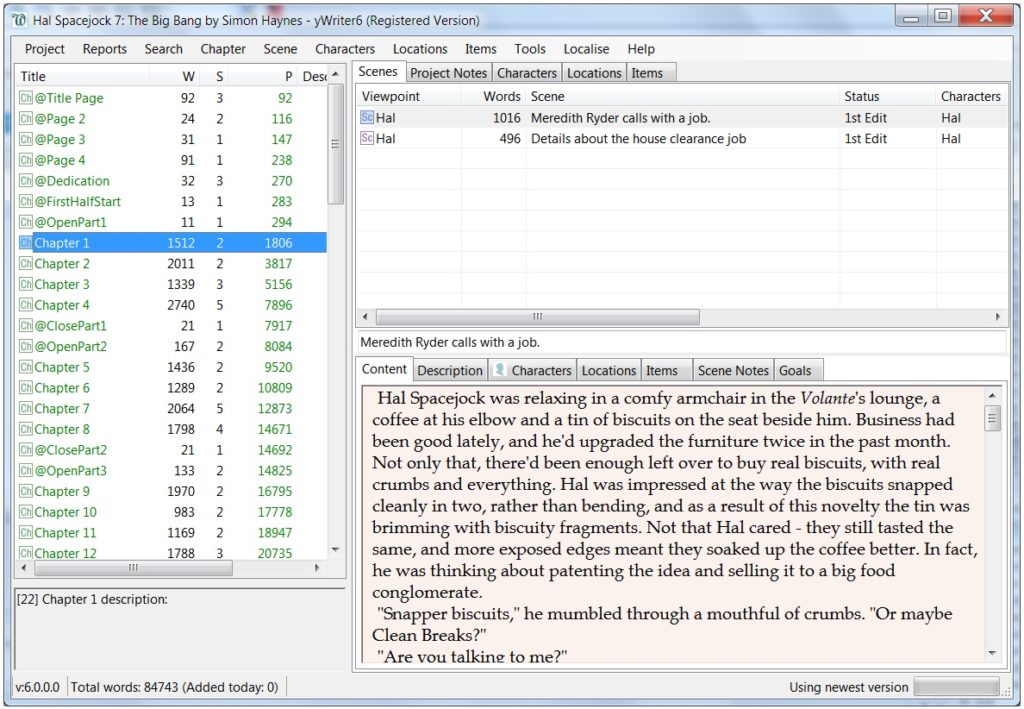
yWriter has been around forever. It was built by a novelist who wanted a simple way to break a book into chapters and scenes. The interface still looks old, and it hasn’t tried to hide that fact. But the structure works. You can move scenes fast, track word counts, and see the spine of your book without digging through menus.
Windows and Mac are free. The Mac version is still labeled as beta, but it runs well enough for daily writing. The Android and iOS versions require payment.
If you want a no-nonsense tool that gives you folders for chapters and scenes without charging you, this is still one of the strongest options.
Google Docs
Google Docs is not built for novels, but many writers use it anyway. It saves as you type, and it works on any device with a browser. You can open your draft on a laptop, switch to a phone on the train, and never worry about losing pages.
It’s a good fit if you write fast, keep your structure simple, or share drafts with beta readers. Real-time collaboration still works better than almost anything else. Long documents can feel a bit heavy, but Google has improved performance during the past few years.
If you’re coming from scrappy notebooks or a Word file dumped onto your desktop, Docs is an easy step up.
Writemonkey
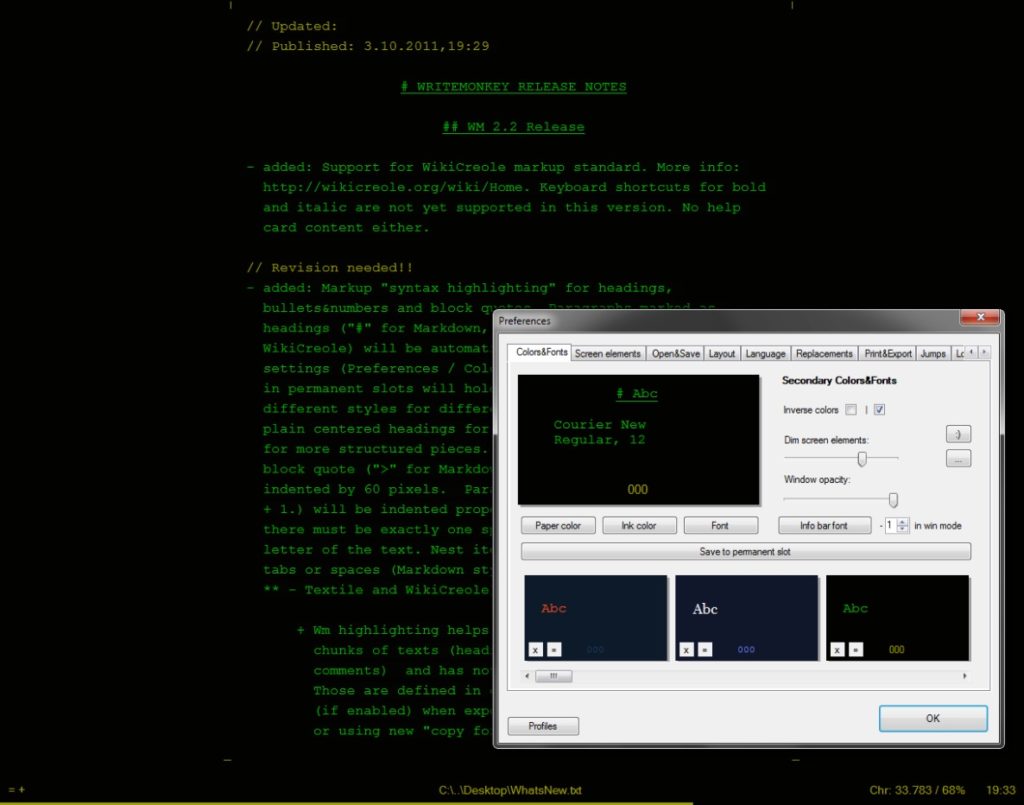
Writemonkey is a distraction-free writing tool for Windows. It’s lightweight, quiet, and focused on actual writing. The interface hides everything except the text. You can bring up features when you need them, then drop them again.
Writemonkey has a surprising amount of power under the hood. You get timed writing, a clean progress bar, and solid markdown support. It runs smooth on older machines, which makes it appealing if you don’t want another heavy app trying to sync files or nag you with features you’ll never use.
Some writers who move to Mac still say they miss this program.
Novelist – Write novels (Android)
If you’re on Android and want an app designed just for novel writing, try Novelist. It gives you the tools to outline your story, organise chapters, schedule your writing, and track progress. It’s completely free, without ads or hidden costs. Because it’s built for novels, it handles long-form better than basic note apps.
Link: Google Play – Novelist
It doesn’t replace a full desktop program, and you might still want to move drafts to a PC later for formatting, but for writing on the go, it’s a strong pick.
Final note
Every tool on this list is free on at least one platform. Each one gives you a different way to hold your draft together. Try them. Pick the one that gets out of your way and lets you write the next page.