LivingWriter Review: A Clean, Modern Writing App for Drafting Books Online
LivingWriter leaves a strong impression almost immediately. Within a few minutes—especially in dark mode—you can tell the team put real thought into how writers actually work.
LivingWriter Review: A Clean, Modern Writing App for Drafting Books Online
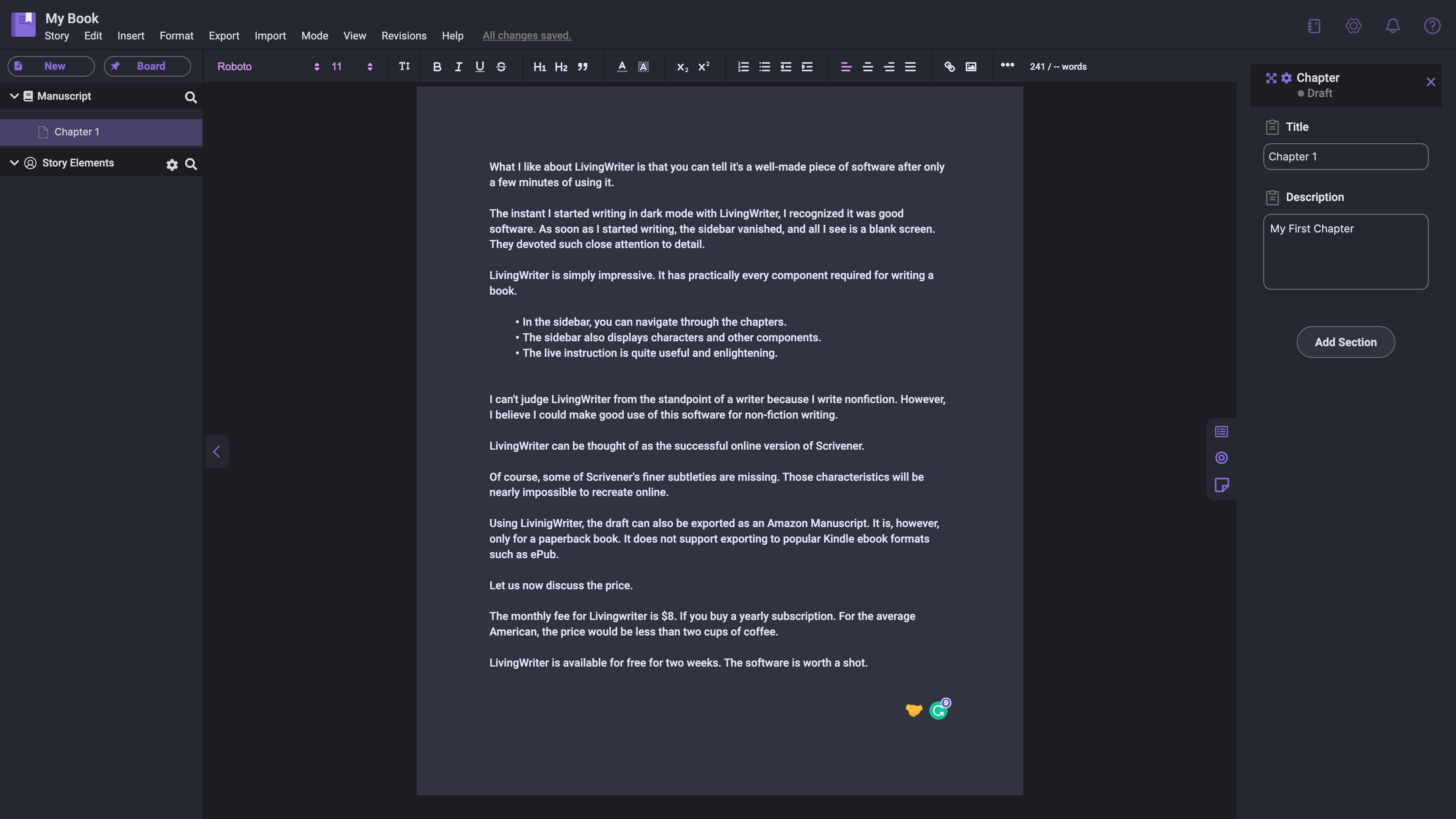
LivingWriter leaves a strong impression almost immediately. Within a few minutes—especially in dark mode—you can tell the team put real thought into how writers actually work. The interface is clean, responsive, and intentionally minimal. When you begin typing, the sidebar fades away, leaving a distraction-free page that feels closer to a dedicated writing device than a typical browser app.
LivingWriter includes nearly everything most book writers need:
- Easy chapter-by-chapter navigation
- Sections for characters, notes, and story elements
- Onboarding guidance that’s helpful without getting in the way
Although I’m not a novelist, the software still works well for nonfiction projects. In many ways, LivingWriter feels like a polished, web-based alternative to Scrivener. It doesn’t replicate every one of Scrivener’s deeper features, but expecting a browser app to fully mirror Scrivener isn’t realistic—and for many writers, it won’t matter.
LivingWriter also supports exporting drafts in several formats, including an Amazon Manuscript-friendly file and DOCX. EPUB export still isn’t native, so anyone preparing a Kindle-ready file will need to convert it externally.
Now for pricing.
As of 2025, LivingWriter’s annual plan costs $144/year, which breaks down to $12 per month. The company still offers a 14-day free trial, giving you enough time to see whether it fits your workflow.
LivingWriter remains one of the most thoughtfully designed cloud-based writing tools available. It’s clean, modern, and easy to learn. If you want an online writing app that quietly supports your process instead of complicating it, it’s worth trying.